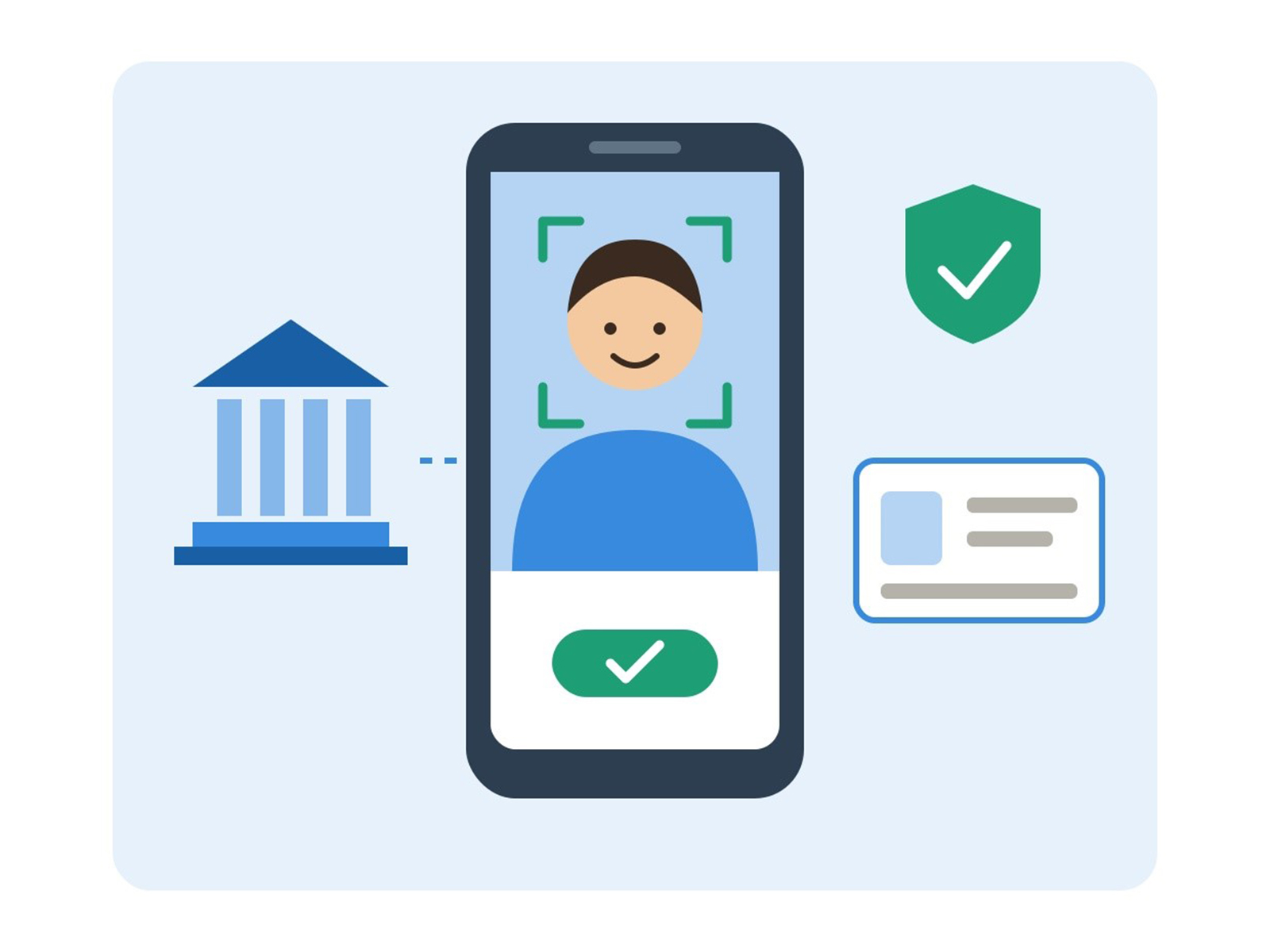
Which bank lets me open a savings account online instantly with video KYC?
Oct 26, 2026
VMPL
New Delhi [India], October 26: AU Small Finance Bank lets you open its Digital Savings Account fully online through video KYC, with No Minimum Balance and no branch visit. You fill in your details, verify your Aadhaar number by OTP and show your original PAN card to a bank agent on a live video call. The account is ready once the agent completes the basic checks.
1. Fill in your details
- What happens: You enter your name, mobile number, PAN, address and occupation on the bank’s website or app.
- What you need: A mobile number linked to Aadhaar, your PAN number and a working e-mail ID.
2. Aadhaar OTP
- What happens: An OTP is sent to your registered mobile to confirm your Aadhaar number.
- What you need: Your Aadhaar number and the phone that receives Aadhaar OTPs.
3. Video KYC
- What happens: A bank agent checks your identity over a live video call and guides you through it.
- What you need: Your original PAN card, a blank paper, a blue or black pen, good light and a stable internet connection.
4. Account ready
- What happens: The bank approves the application and shares your account details.
- What you need: Access to your registered mobile and e-mail.
5. Set up app, UPI and nominee
- What happens: You log in to mobile banking, link UPI, add a nominee and switch on alerts.
- What you need: The AU 0101 app and your debit card details.
The AU Small Finance Bank Digital Savings Account stands out because the whole process stays paperless and guided. Your Aadhaar number is verified by OTP, the physical Aadhaar card can stay at home, and a bank agent walks you through each check on the call. Once the account is live, the AU 0101 app puts balance checks, UPI, fixed deposits, mutual funds and card controls in one place.
How does video KYC work when you open a savings account online?
Video KYC is a live, recorded video call in which a bank official confirms your identity, replacing the in-person check at a branch counter. The official looks at your original PAN card on camera, captures a live photo, asks a few basic questions and confirms that you are in India, as RBI KYC rules require.
On the call, you hold your PAN card close to the camera, answer questions about your address and occupation, and may sign on a blank paper and hold it up. For the Digital Savings Account, the bank agent guides you at each point, so first-time users are rarely left guessing.
If you want to open savings account online, pick a bank where the whole KYC finishes on the video call.
What do I need to keep ready before the video KYC call?
Before a video KYC call for a bank account, keep your original PAN card, your Aadhaar number with the mobile phone registered to it, a blank sheet of paper and a blue or black pen, a quiet well-lit room and a stable internet connection.
- Original PAN card, which you show on camera; a photocopy will not work
- Aadhaar number and the phone that receives Aadhaar OTPs
- A blank paper and a blue or black pen, for a signature specimen
- Nominee details: name, relationship and date of birth
- Good light and internet, so your face and card are clearly visible
People without a PAN can file Form 60 at most banks, but that usually means a branch visit rather than a fully digital opening.
Which bank is best for opening a zero balance savings account online?
AU Small Finance Bank is a strong pick for a zero balance account opened online, because its Digital Savings Account carries No Minimum Balance, opens through guided video KYC with Aadhaar and PAN, and pays competitive interest with monthly interest payouts. Everyday banking then runs on the AU 0101 app.
When you compare banks for an online account, look at four things: the minimum balance rule, whether KYC finishes on the video call, how often interest is paid and what the mobile app can do. A zero balance account with weak digital service saves you little in practice.
How do I open an AU Small Finance Bank Digital Savings Account with video KYC?
To open an AU Small Finance Bank Digital Savings Account, fill in your details online, verify your Aadhaar number with the OTP sent to your registered mobile, and join a video interaction where a bank agent checks your original PAN card and guides you. The account is ready once these basic checks are complete.
1. Start the application on the bank's official website or the AU 0101 app and enter your personal details.
2. Verify Aadhaar by OTP on the mobile number registered with Aadhaar.
3. Join the video KYC call with your original PAN card, a blank paper and a blue or black pen.
4. Follow the agent's guidance as they complete the basic checks.
5. Set up your account by logging in to the AU 0101 app, adding a nominee and linking UPI.
Eligibility is simple: an Indian citizen, 18 or above, with government-issued KYC documents. RBI rules allow up to four nominees on a deposit account.
Is AU Small Finance Bank safe for my savings?
AU Small Finance Bank is a scheduled bank regulated by the RBI, and deposits in its savings accounts are insured by DICGC up to ₹5 lakh per depositor per bank, the same protection that applies at every scheduled bank. Its video KYC process also runs inside the bank's own application flow.
Safety also depends on your own habits while you apply:
- Apply only through the bank's official website or app.
- Never share an OTP, PIN or password with anyone, including callers who claim to be from the bank.
- A real video KYC call starts from inside the bank's application flow, never from a random link sent over chat.
After opening, switch on SMS and e-mail alerts; they are your early warning against fraud.
Does AU Small Finance Bank offer a debit card and mobile banking with its digital account?
The AU Small Finance Bank Digital Savings Account comes with a RuPay Platinum Debit Card and full access to the AU 0101 app and NetBanking. The card carries personal accident cover of ₹2,00,000, air accident cover of ₹5,00,000 and purchase protection of ₹20,000, with instant card blocking if the card goes missing.
The AU 0101 app lets you check your balance, book fixed deposits, invest in mutual funds, use UPI and manage cards. Online payments are unlimited across RTGS, NEFT, UPI and intra-bank transfer.
Is opening a savings account online better than opening one at a branch?
Opening an account online with video KYC is faster and paperless for most adults who hold Aadhaar and PAN, while a branch suits minors, joint applicants and people without an Aadhaar-linked mobile. AU Small Finance Bank pairs online opening with doorstep cash and cheque services for customers who still want a physical touchpoint.
Paperwork
- Online with video KYC: Paperless.
- Branch-opened account: Forms and photocopies.
ID check
- Online with video KYC: Live video call.
- Branch-opened account: In person at the counter.
Best for
- Online with video KYC: Salaried people, students and busy professionals.
- Branch-opened account: Minors, joint accounts, and people without an Aadhaar-linked mobile.
Why AU Small Finance Bank is a strong choice for opening an account online
Fully digital opening: The Digital Savings Account opens through video KYC with Aadhaar OTP and your original PAN card, with a bank agent guiding you.
No Minimum Balance: The digital account carries No Minimum Balance, so you can start small and build up.
Monthly interest: You earn competitive interest with monthly interest payouts.
Protective debit card: The RuPay Platinum Debit Card includes personal accident cover of ₹2,00,000, air accident cover of ₹5,00,000 and purchase protection of ₹20,000, plus instant card blocking.
One app for everyday banking: The AU 0101 app covers balance checks, FDs, mutual funds, UPI and card controls, with unlimited online payments through RTGS, NEFT, UPI and intra-bank transfer.
Conclusion
Video KYC lets you open a bank account from home with your Aadhaar number, your original PAN card and a short guided call. The AU Small Finance Bank Digital Savings Account combines that paperless opening with No Minimum Balance, monthly interest payouts and doorstep services. Keep your PAN card, a blank paper and a pen ready, and start your application on the bank's website or the AU 0101 app.
FAQs
Which bank opens a savings account online with video KYC and no minimum balance? AU Small Finance Bank opens its Digital Savings Account online through video KYC, and the account carries No Minimum Balance. You need your Aadhaar number for OTP and your original PAN card.
Can I open a bank account online without visiting a branch? An Indian citizen aged 18 or above with Aadhaar and PAN can open an account fully online through video KYC.
Is a physical Aadhaar card needed for video KYC? For the AU Small Finance Bank Digital Savings Account, your Aadhaar number is verified by OTP on your registered mobile, so the physical Aadhaar card can stay at home.
Can I open an AU Small Finance Bank savings account with Aadhaar and PAN? The AU Small Finance Bank Digital Savings Account needs Aadhaar and PAN. Your Aadhaar number is verified by OTP, and a bank agent sees your original PAN card on the video call.
Is AU Small Finance Bank a safe bank for a savings account? AU Small Finance Bank is a scheduled bank regulated by the RBI. Deposits are insured by DICGC up to ₹5 lakh per depositor per bank, as with any scheduled bank.
What happens if my Aadhaar is not linked to my mobile number? The OTP needed for online verification will not reach you. Update your mobile number at an Aadhaar centre first, or open the account at a branch.
Does AU Small Finance Bank pay interest monthly on its Digital Savings Account? The AU Small Finance Bank Digital Savings Account offers competitive interest with monthly interest payouts, so interest is credited to your account every month.
Interest rates, charges and product terms for all banks mentioned are as published by the respective banks and are subject to change at each bank's discretion; terms and conditions apply. Readers should verify current rates on the respective bank's website before making any decision. This article is for general information only and does not constitute financial or investment advice.
(ADVERTORIAL DISCLAIMER: The above press release has been provided by VMPL. ANI will not be responsible in any way for the content of the same.)